Running tasks
SupervisorOwnerField operatorIntegral Administrator
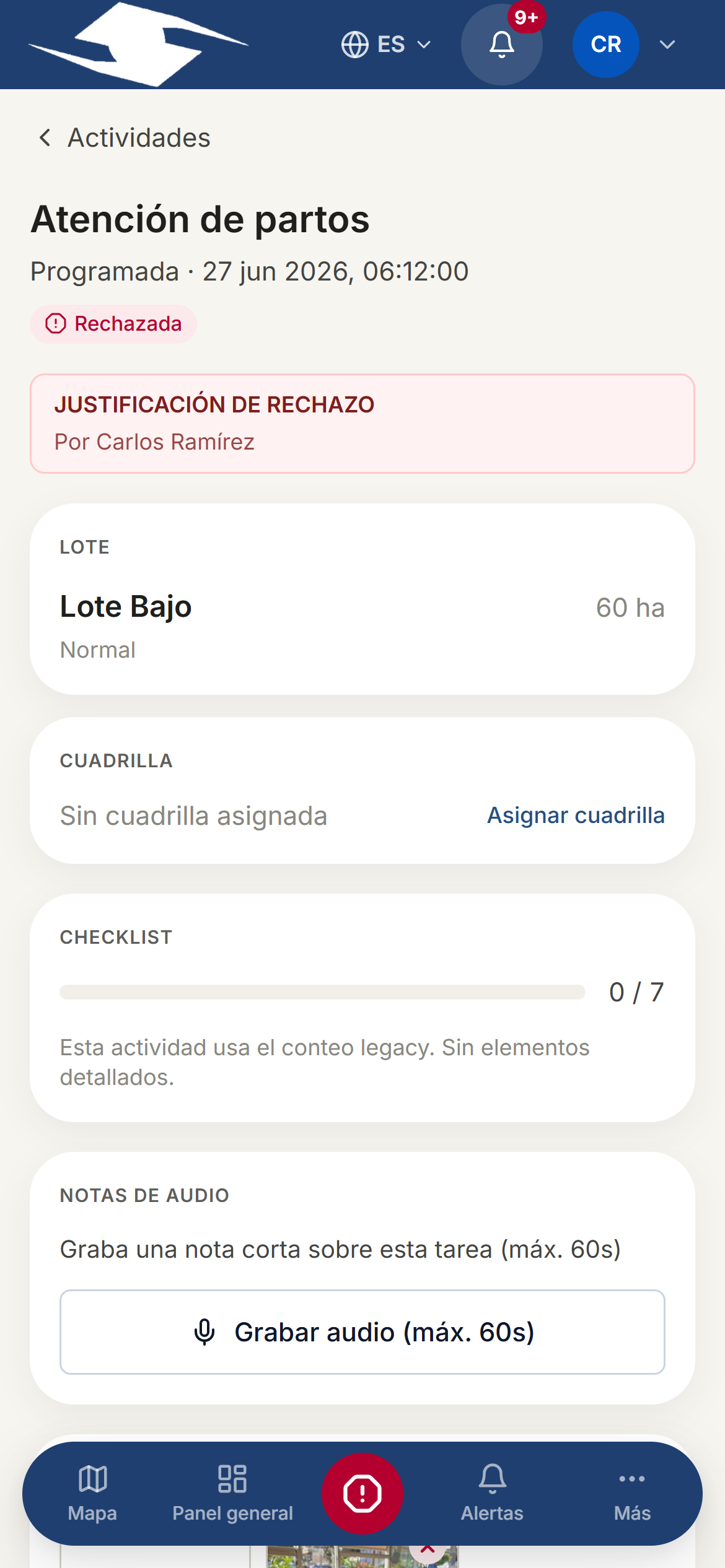
When you open an activity from My day, the operator runs it from start to finish on this screen. Here you record your progress and leave proof of the work done.
Start and complete
- Tap Start activity. The task moves to Active.
- Do the work and record progress (checklist, production, evidence).
- When finished, tap Mark as executed.
You can't advance if something's missing
The app stops you when a requirement is missing:
- Capture evidence before continuing — you must attach the required photo.
- Complete checklist — items are still unchecked.
The execution checklist
The Execution checklist section shows the items to complete and how many you've done ({{done}} of {{total}} completed). For each item:
- Tap to mark it done.
- Some ask for a numeric Value (for example liters or kilos): enter it before checking.
- Some require a photo; you'll see Evidence attached once it's ready.
Audio notes
Under Audio notes you can record a short message of up to 60 seconds to explain something about the work without having to type.
Registering production
When the task yields product (harvest, milking, etc.):
- Open Register production.
- Enter the Quantity and choose the Unit: t, kg, L, units, or crates.
- Save.
Registering consumption
When the task uses inputs (fertilizer, fuel, feed):
- Open Register consumption.
- Select the Item and the Quantity.
- Set the Kind: Planned or Unplanned.
Available stock
If you ask for more than there is, the app warns you: Only N available. See Inventory.
Diverting or rejecting
If you can't do the task as planned:
- Divert to another operator — reassign it to a different operator. Write the justification and pick who it goes to. The task becomes Diverted.
- Reject task — it doesn't apply or isn't possible. Write the justification. The task becomes Rejected.
Livestock activities
For livestock tasks (birth, mortality, treatment, milking) you'll record the event when you start the task, against the right herd. See Livestock.