Roles and permissions
Gedeon tailors what you see to your role. Everyone signs in with one profile and the app shows only the screens and actions that belong to it. There are four roles.
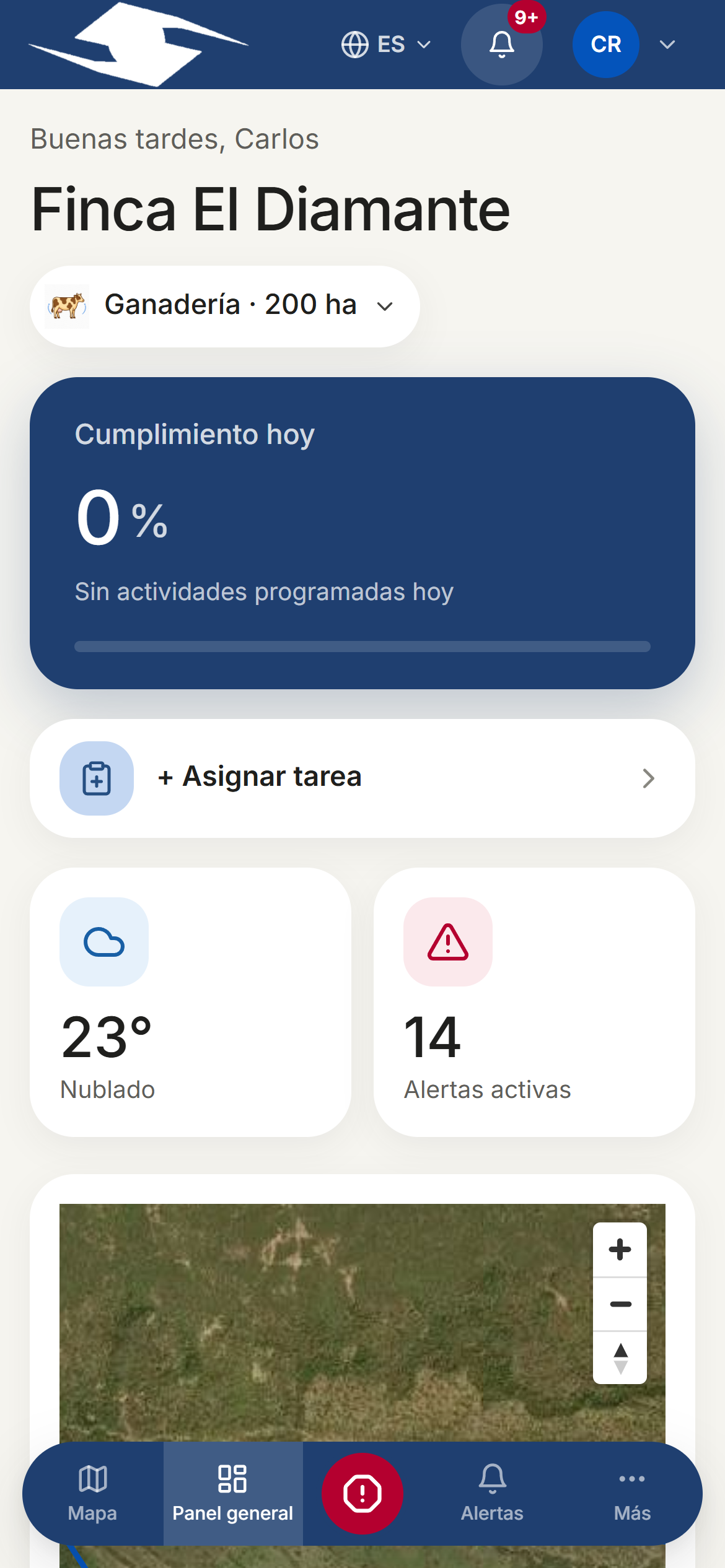
The four roles
- Supervisor — Leads the daily field operation. Has access to the full operational app: Dashboard, Map, Activities, Alerts, Alert rules, Emergency contacts, Evidence, Inventory, Livestock, farm Setup, and more.
- Owner — The owner who wants to see results, not run the operation. Mainly sees Reports and read-only executive views.
- Field operator — Carries out tasks on the ground. Works from My day, My alerts, and the capture tools (photo-and-GPS evidence, records, Panic button).
- Integral Administrator — Assign when a single person schedules the tasks, runs the operation, and owns the farm. Combines operational management and the executive view in one profile.
What each role sees
| Role | Main views |
|---|---|
| Supervisor | Dashboard, Map, Activities, Alerts, Evidence, Inventory, Livestock, Setup |
| Owner | Reports / executive Overview (read only) |
| Field operator | My day, My alerts, evidence and record capture |
| Integral Administrator | Full operation + executive views |
Permissions are enforced everywhere
Security by design
Role-based access control is not just visual. While the app hides what doesn't belong to you, the server also checks it: if a role tries to reach data or screens it shouldn't, the API rejects them. For example, an Owner is limited to their executive views and cannot reach the operation, not even outside the interface.