Livestock
SupervisorOwnerField operatorIntegral Administrator
The Livestock module organizes your animals into herds and keeps each one's health and production records. The supervisor sets up the herds; operators capture events from the field.
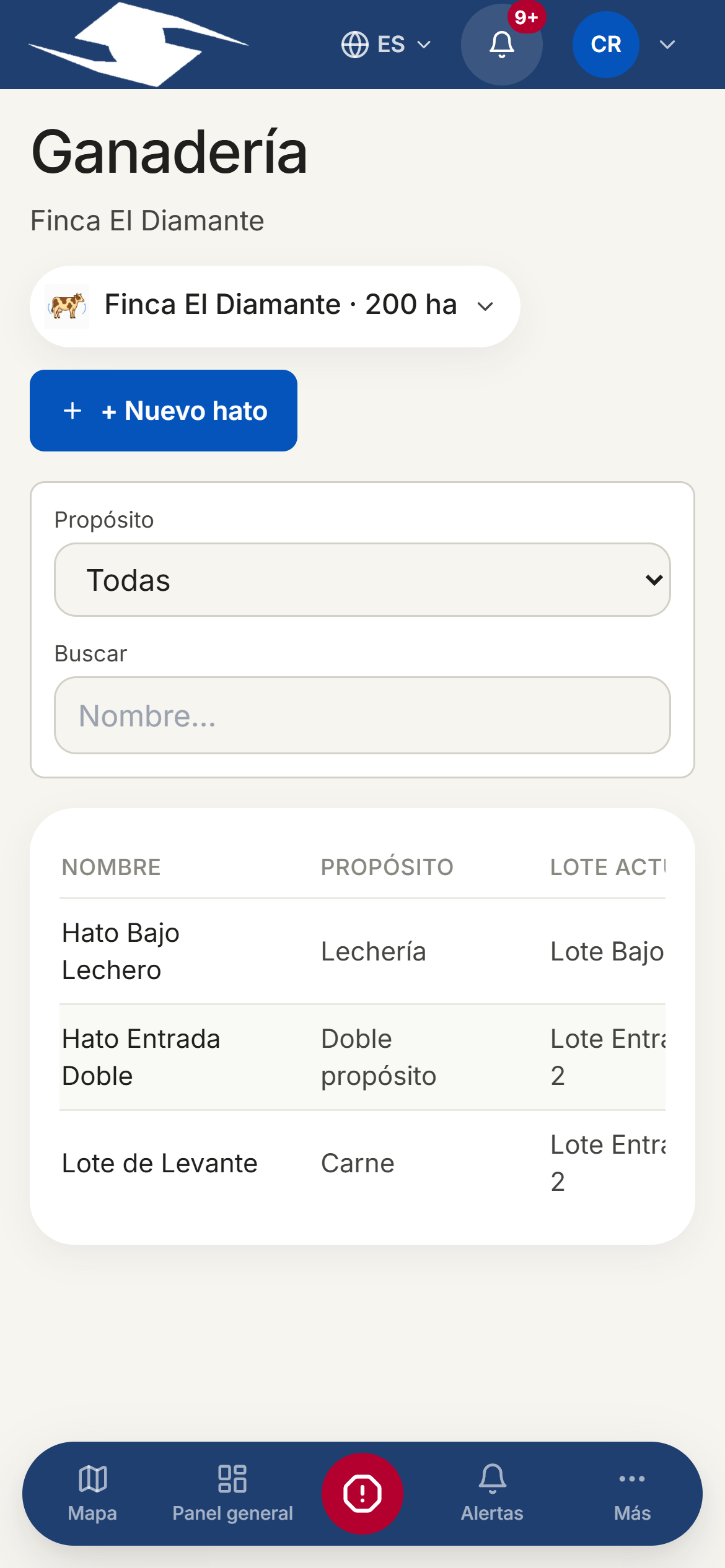
What a herd is
A herd is a group of animals that share a purpose and a plot. To create one:
- Tap + New herd.
- Fill in Name and Description.
- Choose the Purpose: Dairy, Beef, Dual purpose, or Breeding.
- Enter the Head count, the Current plot, and mark it Active.
The four record tabs
Each herd has four kinds of record:
- Milk production — Session (Morning, Afternoon, or Evening), Animals milked, Total liters, Discarded liters, and the Discard reason (Antibiotic, Mastitis, Contamination, or Other).
- Births — Outcome (Live birth, Stillborn, Abortion, or Failed), Calves, and Mother tag.
- Mortality — Head lost, Cause (Disease, Predator, Accident, Unknown, or Other), and Age group (Calf, Juvenile, or Adult).
- Treatments — Treatment type (Vaccination, Antibiotic, Antiparasitic, Hormone, or Other), Animals treated, Diagnosis, Medication, and Withdrawal days.
Loss indicators
The Livestock losses · last 30 days panel summarizes: Mortality (head), Discarded milk (L), Abortions, and Out of spec.
Logging an event from the field
When an operator starts a livestock activity, they log the event against the right herd:
- Tap Log event.
- Choose the Herd.
- Fill in the record (birth, mortality, treatment, or milking) and save.
The plot must have an active herd
If the plot has no herd configured, the app warns: No active herd is assigned to this plot. Configure a herd before recording. Ask your supervisor to register one first.
Several herds on one plot
If the plot has more than one active herd, the app asks you to Select a herd before saving the record.
Operators capture these events when running tasks. Livestock production is summarized in the Overview, and herds are assigned to the plots defined when you configure the farm.