Emergency contacts
SupervisorOwnerField operatorIntegral Administrator
Emergency contacts define who receives critical notifications. Alert rules reference these lists per category: instead of typing an email or phone into each rule, you point to the right category.
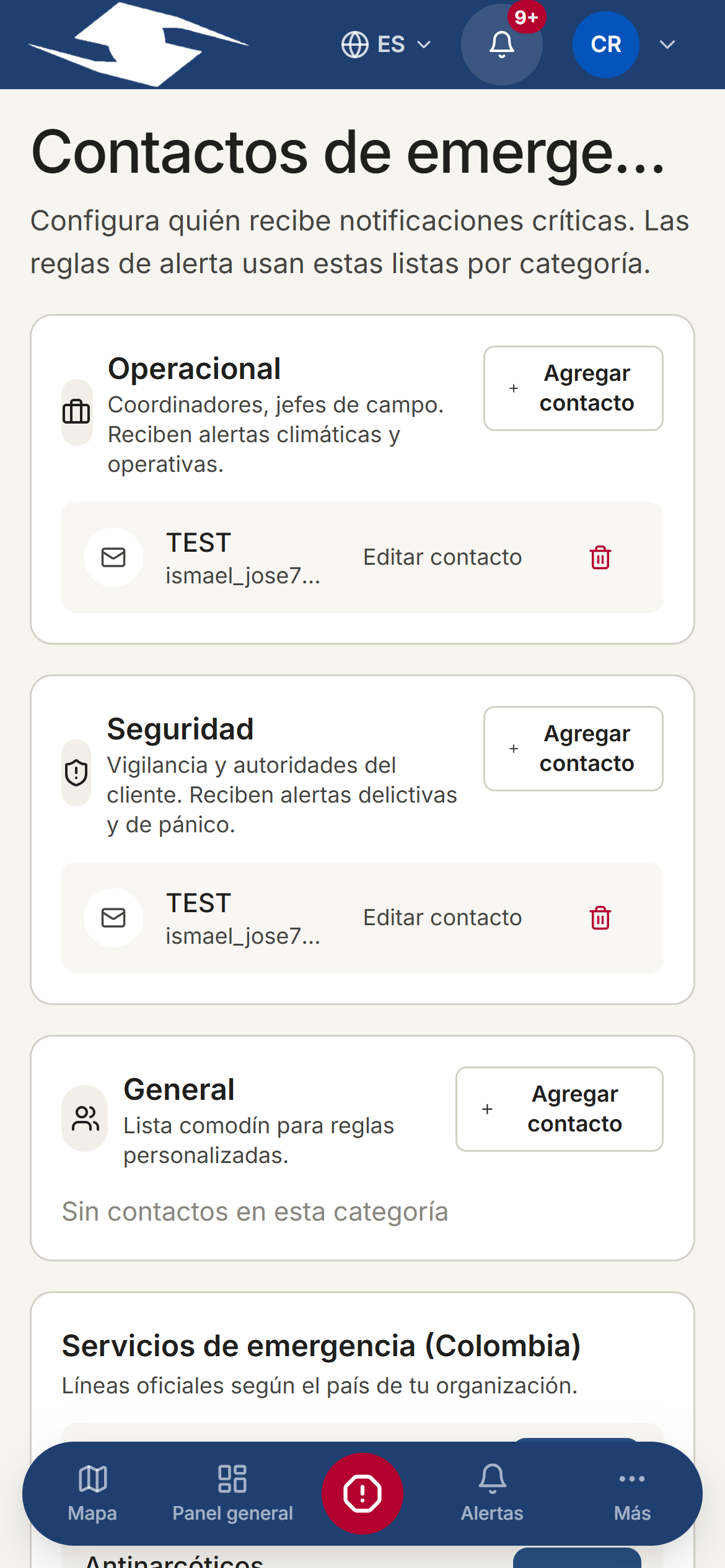
The three categories
- Operational — coordinators and field leads. Receive climate and operational alerts.
- Security — customer security and authorities. Receive criminal-classified panic alerts.
- General — catch-all bucket for custom rules.
Adding or editing a contact
- In the category you want, tap Add contact.
- Choose the Type: Email or Phone.
- Enter the value in Email or phone.
- Give it a Label to identify it (required).
- Keep Active on so it receives notifications.
- Tap Save contact.
To change a contact, tap Edit contact; to remove it, use Remove.
Per-category limit
Each category allows a maximum number of active contacts. If you reach it, you'll see Maximum {{count}} active contacts per category and you'll need to deactivate or remove one before adding another.
Phone format
Phones must use E.164 format, with the country code: for example +57… for Colombia. A malformed number is rejected with Invalid phone. Use E.164 format (+57…).
Emergency-services directory
Below the lists you'll find the Emergency services block, with the public lines for your organization's country:
- Colombia · Ecuador · Mexico · International
It's a reference for looking up each country's public numbers.
Related
- Alert rules — point to these lists as recipients
- Panic button and incidents — what the Security category notifies