Frequently asked questions
Short answers to the most common questions. Each one links to the page where it's explained in detail.
Can I use Gedeon without internet?
Yes. Gedeon is built for the field. If you work with no signal, your actions (start and execute tasks, checklist, production, consumption, incidents) are saved to a queue and sent on their own when the network returns. You'll see Offline mode and a N queued badge. Review everything in Sync.
How do I install the app on my phone?
Gedeon is a web app you can install on your device (a PWA). On iPhone you use the Share button → "Add to Home Screen"; on Android, the ⋮ menu → "Install app". The full steps are in Install Gedeon.
What's the difference between a Supervisor, Owner, Field operator and Integral Administrator?
- Supervisor — runs the daily operation: assigns tasks, handles alerts, and oversees the farm.
- Owner — sees the executive view with reports and results, without the operational complexity.
- Field operator — executes their tasks for the day from their phone.
- Integral Administrator — a single person who assigns the tasks, runs the operation, and owns the farm.
More detail in Roles.
What does the green check ("Within geofence") on a photo mean? And a red one?
The geofence is the plot's boundary. When an evidence photo is taken inside that boundary, it shows Within geofence (green): proof that the work was done where it should have been. If the photo was taken outside, it shows Outside geofence (red). See Evidence.
Why is today's compliance shown in amber?
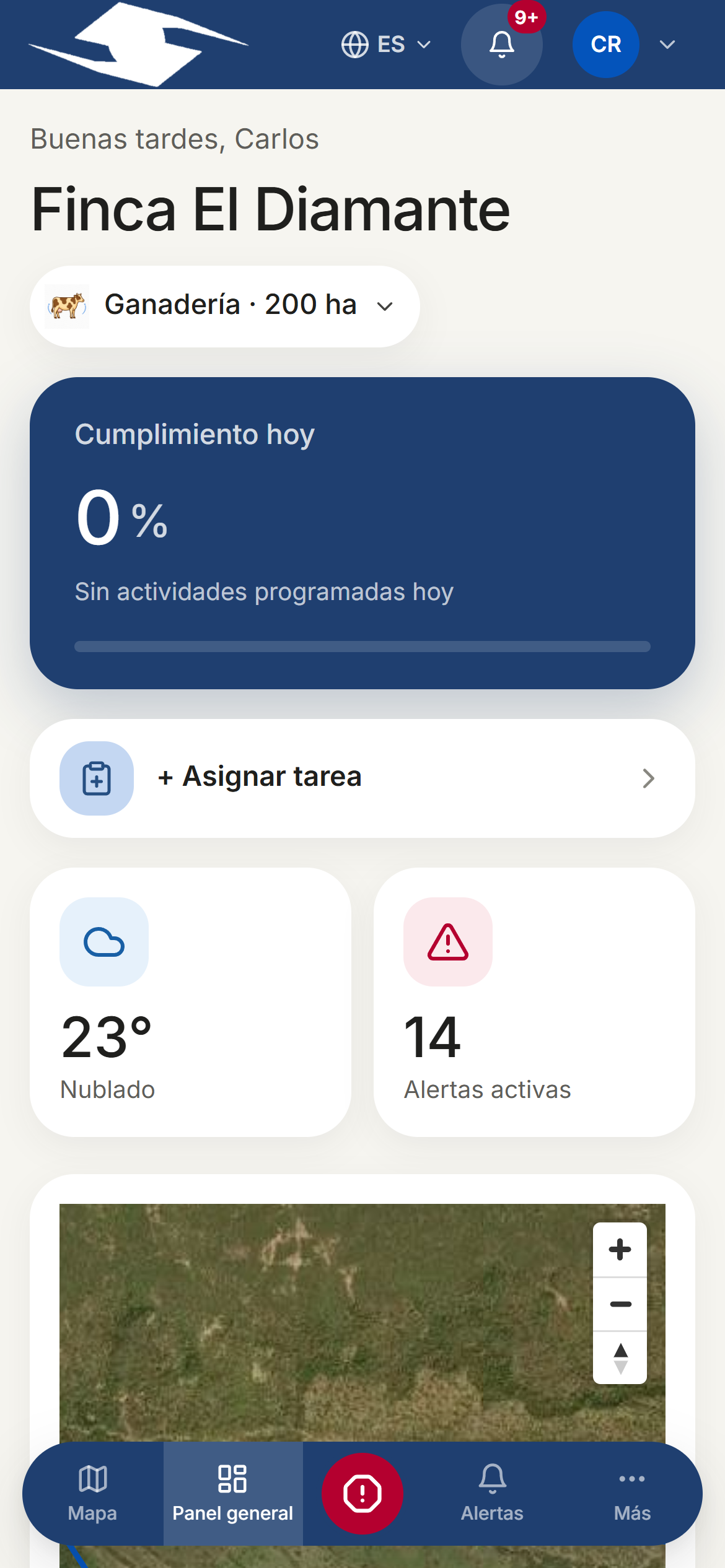
Compliance is shown in amber when it's below the day's target. It's a heads-up: it means tasks are still pending compared to what was scheduled. See Dashboard.
What happens when I press Attend on an alert?
When you tap Attend, the alert is marked as handled: it leaves the pending list, the open count drops, and it moves to Attended today, recording who attended it and when. See Alerts.
Can I reopen an alert after attending it?
No. An alert's lifecycle moves in one direction only: open → attended → resolved, with no going back. See Alerts.
How does the panic button work? Does it need GPS?
You open the button and press and hold for 3 seconds to trigger it; when it fires, it alerts supervisors immediately. It does need GPS, so they know where you are: if your location isn't available, the app will ask you to enable it before it can be sent. See Panic button.
Where are my photos stored? Are they private?
Evidence photos are uploaded to your organization's server along with their GPS location, accuracy, and capture time, and stay linked to the activity that produced them. Only profiles in your organization with permission can see them. See Evidence.
How do I switch the app to English?
Open the user menu (Open user menu) and use Change language to switch between Español and English. See Account, roles and language.
How do I add another farm or switch between farms?
If your organization has more than one farm, use the Switch predio selector in the user menu to move between them. To create and configure a farm, see Configure farm.
What does Divert vs Reject a task mean?
- Divert to another operator — the task is still needed, but you pass it to another work unit (for example, because of rain or broken equipment).
- Reject task — you won't do the task (for example, it's not part of your role).
In both cases you can leave a written reason. See Execute tasks.
Why didn't my emergency-number recipient get an SMS?
Official emergency numbers (123, 911…) are public phone lines that don't accept SMS. When a rule uses them, Gedeon records the attempt in the audit log, but real contact requires a future integration. For SMS alerts, use your own contacts. See Emergency contacts and Alert rules.
My changes aren't showing — are they stuck in the sync queue?
That's the likely cause if you worked with no signal. Open Sync and check the counts: if there are Failed items, tap one to see the reason (for example, Evidence required or Checklist incomplete), fix it, and use Retry or Sync now.