Inventory
SupervisorOwnerField operatorIntegral Administrator
The Inventory module gathers everything your farm holds —machines, tools, and inputs— with its quantity, value, and movements. So you know what you have, what it's worth, and when to restock.
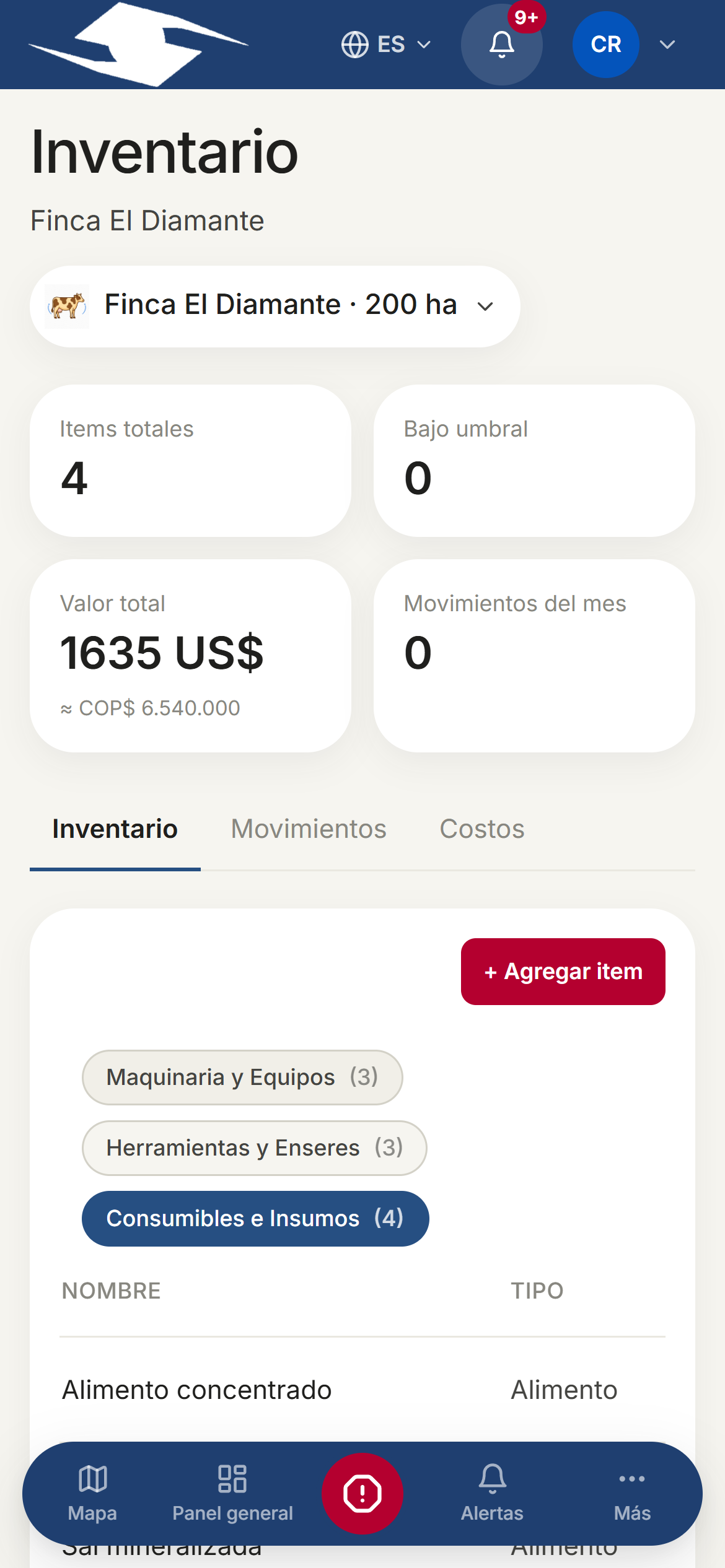
The three tabs
- Inventory — the list of items by category.
- Movements — ins and outs (purchases, consumption, losses, adjustments).
- Costs — costs recorded for the period.
At the top you'll see the indicators: Total items, Below threshold, Total value, and Movements this month. The Movements tab also shows Purchases this month, Consumption this month, and Lost value; the Costs tab shows Costs this month, Costs to date, Leading category, and Plots affected.
The three categories and the kinds
Each item belongs to a category:
- Machinery and Equipment
- Tools and Furnishings
- Consumables and Inputs
And to a Kind: Pesticide, Fertilizer, Fuel, Animal feed, Seed, Equipment, or Other.
Adding an item
- Tap + Add item.
- Fill in Name, Kind, Category, Unit, Current quantity, Unit cost (USD), and Reorder threshold.
- For Machinery and Equipment the Machinery details section appears: Serial number, Location (plot), and Operational state (Operational, Under maintenance, Broken, or Retired).
- Save.
When the quantity drops below the threshold, the item shows the Low badge.
Registering movements
In Movements record every stock change with its Kind: Purchase, Consumption, Loss, or Adjustment.
For administrative records there are two shortcuts:
- + Log purchase — enter Supplier, Invoice #, and Total cost.
- + Log write-off — choose the Reason: Expired, Damaged, Lost, or Other, and add the detail.
Rules by category
Consumption only on consumables
Consumption is only recorded against Consumables and Inputs. If you try it on another category, the app warns: Consumption can only be recorded against Consumables and Inputs.
Maintenance only on machinery
Only Machinery and Equipment carry a Maintenance log. Tap Log maintenance and fill in Date, Description, By, Cost (optional), and Next due (optional).
Operators log consumption from the field when running tasks. Inventory value also appears in the Overview, and the initial inventory is loaded when you configure the farm.